Every game goes home with your players.
Courtly records games on your courts and emails every player the replay, from every camera angle. Players start it from a tablet by the court. Your staff don't edit or send a thing.
No app or account for players. Replays are sent from your venue's email.
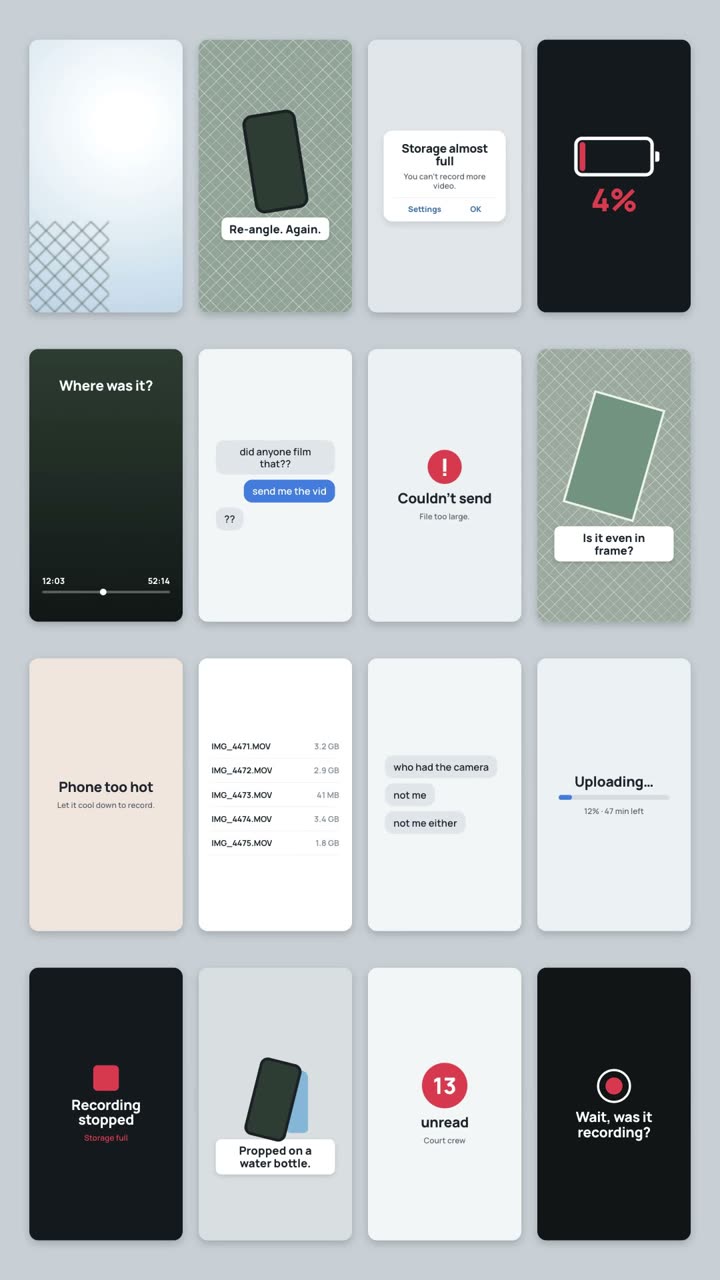
Your players already try to film their games.
- A phone propped on a water bottle, filming the sky.
- Storage full, battery dead, file too big to send.
- Nobody was recording when the best rally happened.
Give them the replay instead. One tap at the court, and it's in their inbox after the game.
Tap. Play. Get the replay.
Players run it themselves. Your front desk only watches it happen.
-
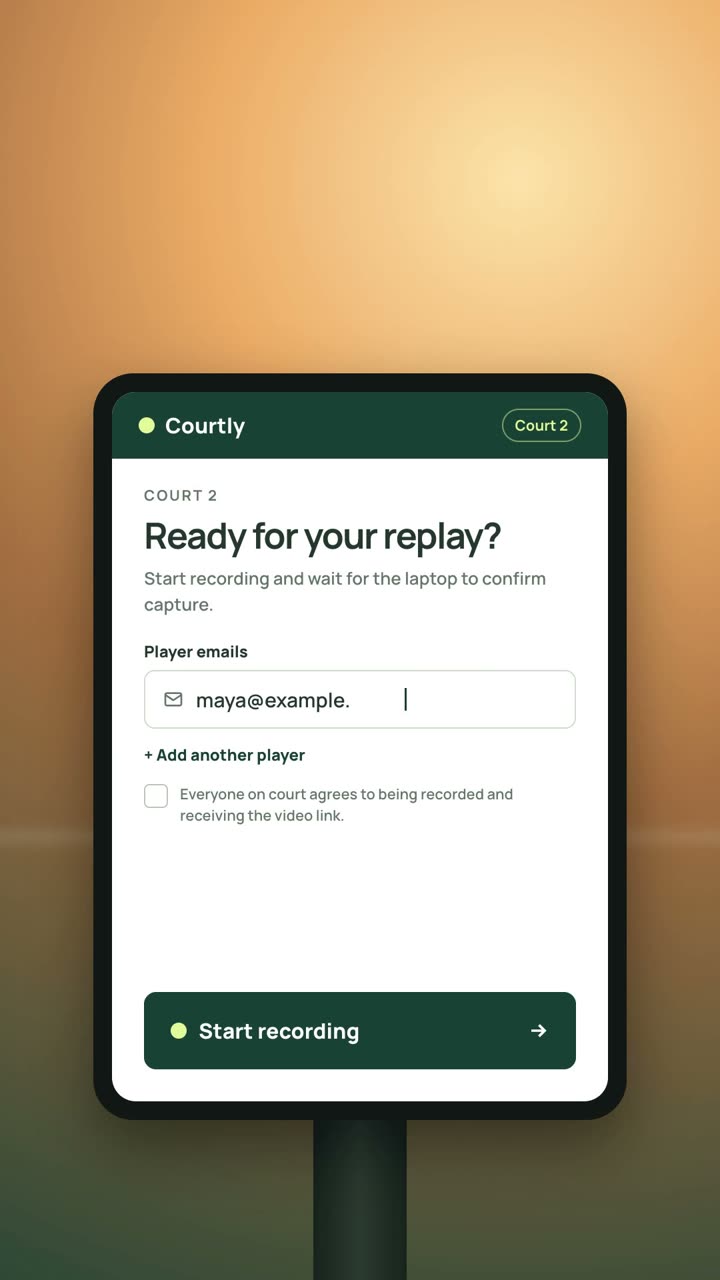
Players tap Start
At the tablet by their court, players add their emails, agree to being recorded and tap Start recording.
-
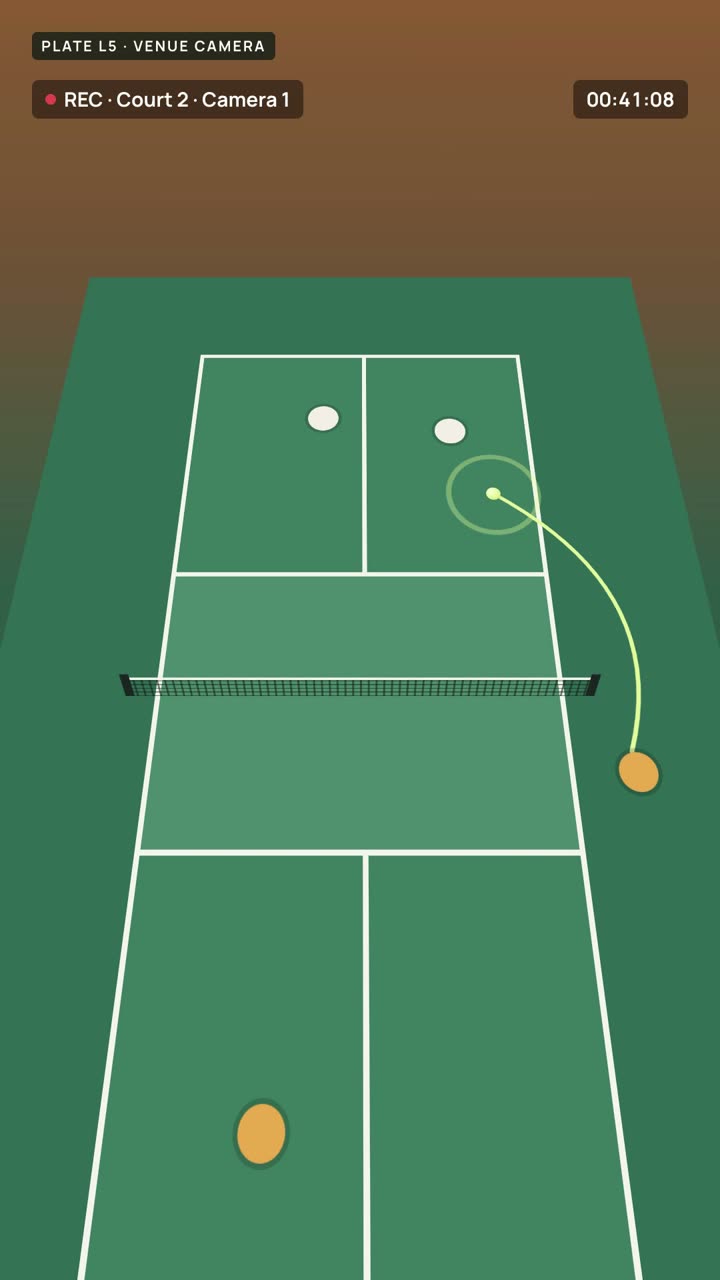
Your cameras record
Every camera on that court records the game. When they're done, players tap Stop and the court is free for the next group.
-
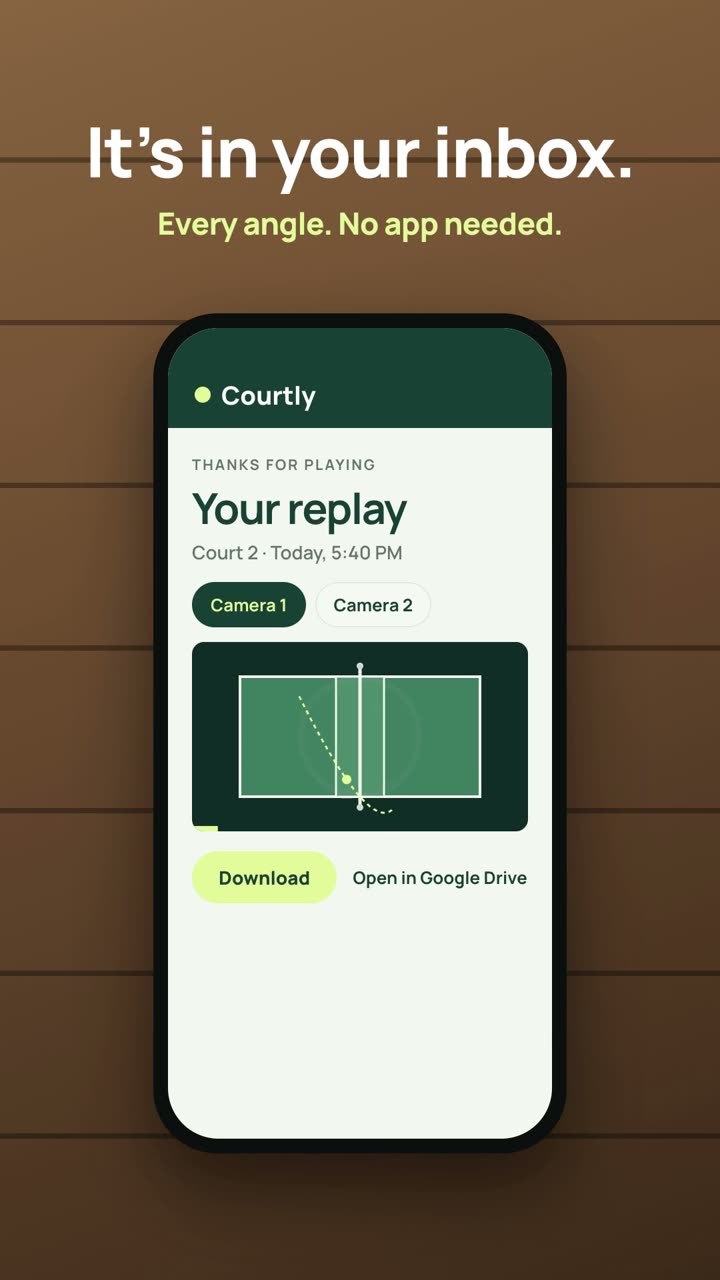
The replay arrives
Each player gets an email from your venue with a replay page: every camera angle, ready to watch and download.
Built for the front desk, not a film crew.
Every court on one screen
Staff see which courts are recording, uploading and delivered, at a glance.
Sent in your venue's name
Replay emails come from your venue's address, so players remember where they played.
Your footage stays yours
Videos upload to your venue's Google Drive, one folder per game.
Players agree first
Everyone on court confirms they agree to being recorded before it starts.
What it takes to put Courtly on your courts.
Three things. You may already have some of them.
- 1
Cameras on each court
Standard IP cameras. Add a second one and players get both angles.
- 2
One laptop at the desk
It records, uploads to your Google Drive and emails every player. Keep it on while you're open.
- 3
A tablet by each court
Players add their emails, tap Start recording, then Stop & send.
Plus your venue's Wi-Fi and internet for uploads. We help you check your cameras on the demo call.
What venue owners ask us.
Do players need an app or an account?
No. They type their email on the court tablet. The replay arrives as a link that opens in any browser, on any phone.
Where do the videos go?
To your venue's Google Drive, in a "Courtly recordings" folder. Each game gets its own folder, and players get a link to it.
Who sends the emails?
Your venue's email address, with your venue's name on it.
What if players forget to stop recording?
You set a maximum length per recording, so a forgotten one stops on its own and the court frees up.
Does my staff need to do anything?
Not during play. Players start and stop it. Staff can watch every court from the laptop and step in if they need to.
Can I see it before deciding?
Yes. Book a demo and we'll walk you through the whole flow, from the court tablet to the player's inbox, in about 15 minutes.
See it on your courts.
Tell us about your venue and we'll get in touch to set up a 15-minute demo.
- The full flow, from court tablet to inbox
- What your courts need, camera by camera
- Your questions, answered